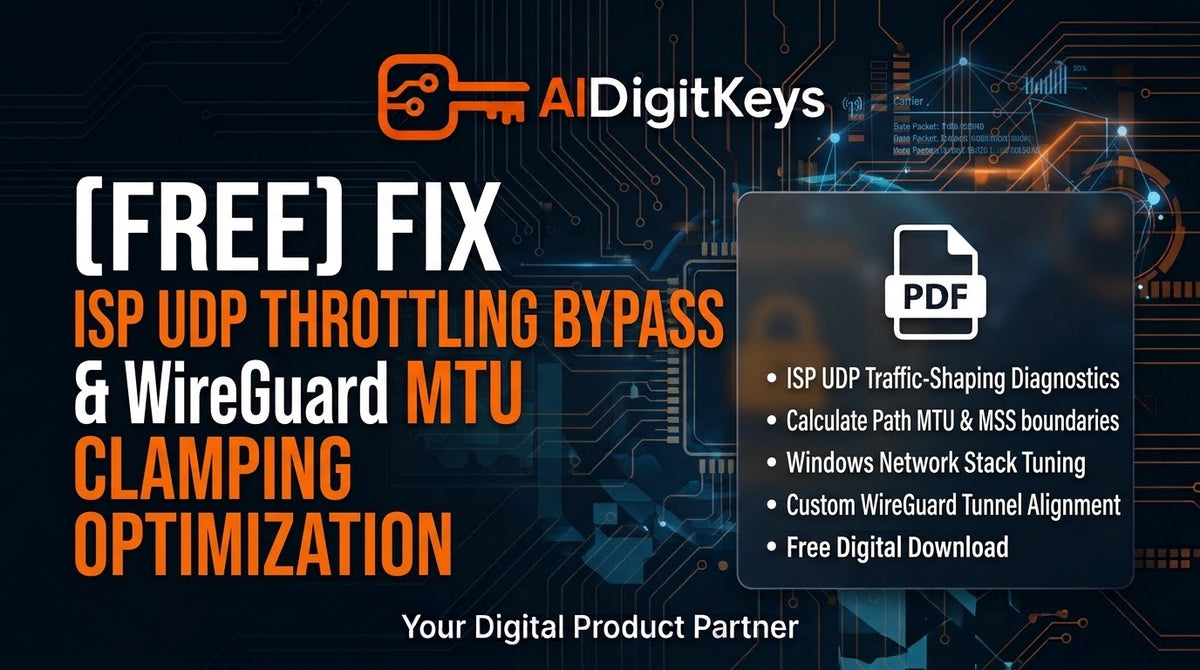
[FREE] ISP UDP Throttling Bypass & WireGuard MTU Clamping Guide | AIDigitKeys
[FREE] ISP UDP Throttling Bypass & WireGuard MTU Clamping Guide | AIDigitKeys
Couldn't load pickup availability
Experiencing unexplained packet loss, erratic hit registration, or sudden rubberbanding despite having high-speed fiber internet?
Modern Internet Service Providers (ISPs) actively deploy dynamic traffic shaping and Deep Packet Inspection (DPI) to throttle sustained User Datagram Protocol (UDP) flows—the exact protocol used by competitive online game engines. Furthermore, default Windows 11 MTU size limits (1500 bytes) force game data packets to fragment at intermediate router hops, creating hidden network bufferbloat and latency spikes.
Generic network guides suggest basic DNS flushes or buying expensive commercial VPNs that ultimately increase base ping. This exclusive diagnostic guide from AIDigitKeys delivers an advanced network-engineering blueprint to safely identify ISP UDP throttling, calculate exact path MTU boundaries, enforce WireGuard/UDP packet clamping, and optimize the Windows socket buffer stack for sub-millisecond packet delivery.
What You Will Learn in This Free Guide:
ISP UDP Traffic-Shaping Diagnostics: Execute command-line ping path tracing (ping -f -l) to identify silent ISP packet fragmentation and UDP packet dropping.
Path MTU & MSS Clamping Calculation: Calculate your router's optimal Maximum Transmission Unit (MTU) and Maximum Segment Size (MSS) to eliminate double-encapsulation overhead.
Windows Network Stack Socket Optimization: Tweak registry keys (TcpAckFrequency, TCPNoDelay, and DefaultTTL) to eliminate default OS socket holding delays.
WireGuard & Custom Tunnel MTU Alignment: Configure custom WireGuard interface files (MTU = 1360–1420) to slip game packets past carrier-grade NAT (CGNAT) throttles without speed degradation.
QoS Driver Priority Binding: Enforce Quality of Service (QoS) Differentiated Services Code Point (DSCP) tagging via Windows Group Policy to prioritize real-time game datagrams over background web traffic.
Product Details:
File Format: PDF Document
Price: €0.00 (Instant Digital Download)
Target Audience: Competitive Esports Players, Online Gamers, and Network Enthusiasts facing packet loss and latency jitter.
Compatible OS: Windows 10 & Windows 11 (22H2 / 23H2 / 24H2 / 25H2 / 26H2)
Publisher: AIDigitKeys
Share